Smart Vehicle Terminals
Put vehicle data, video, and driver workflows where operators can use them.
Rugged displays, vehicle tablets, and intelligent in-vehicle terminals used in commercial vehicle projects.
Product positioning
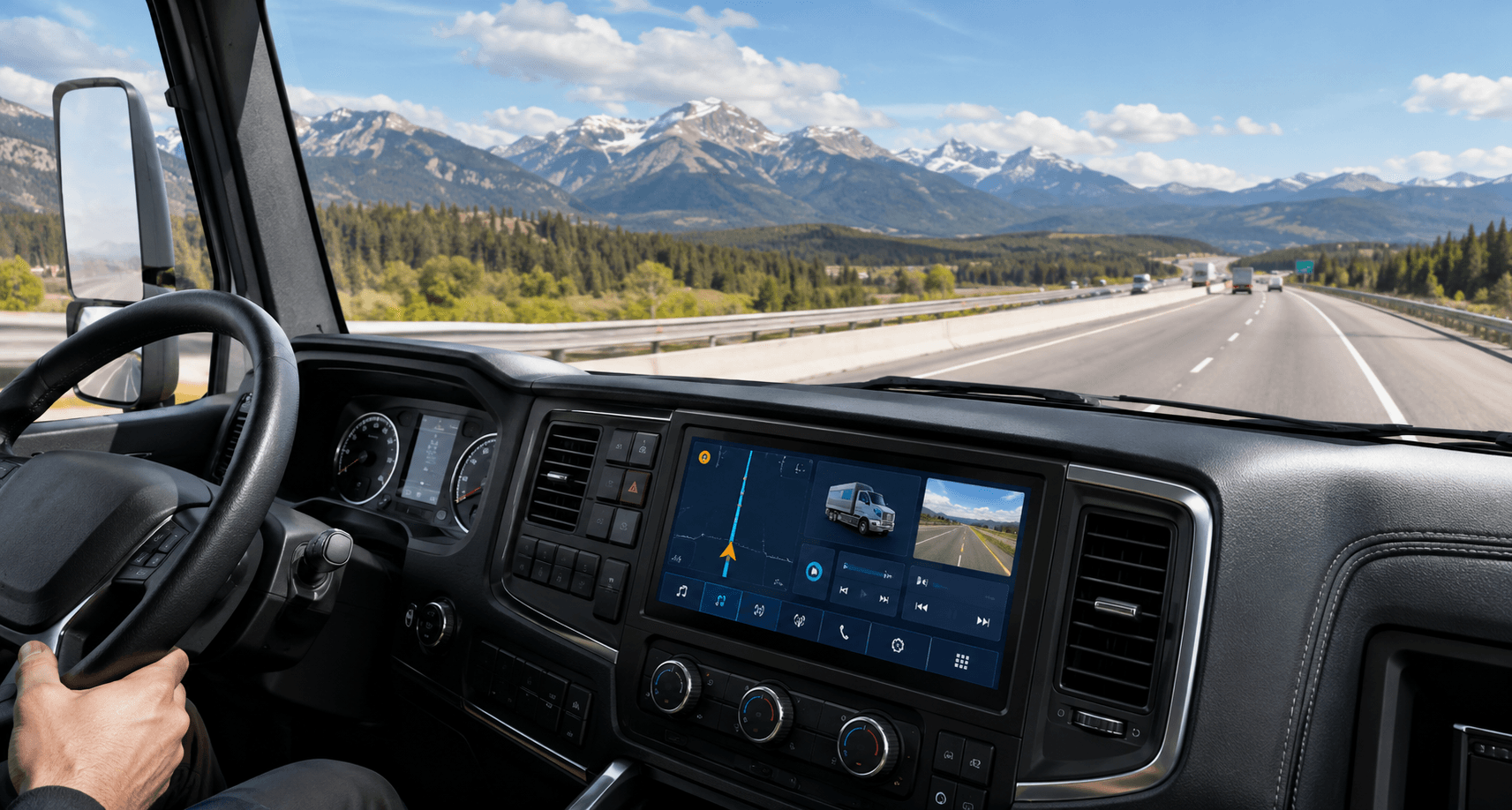
Turn the vehicle cabin into a connected operating point
Use this page when buyers need to compare display, tablet, mounting, camera input, and platform connection directions before confirming a terminal configuration.
Core modules
Structure the page around clear buyer choices
Each module explains the application direction, visible product stack, and information needed before final model selection.
01 / Display visibility
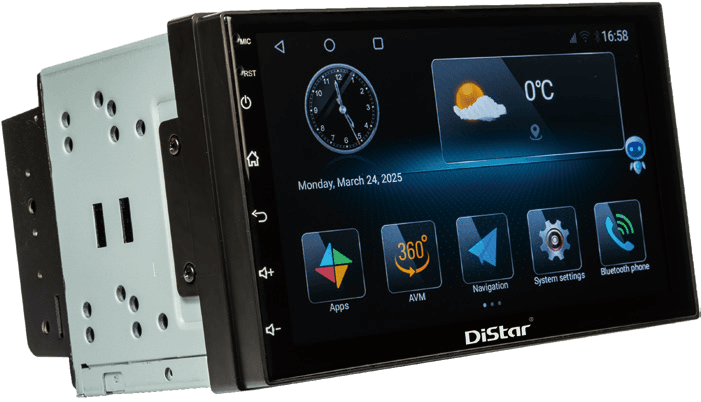
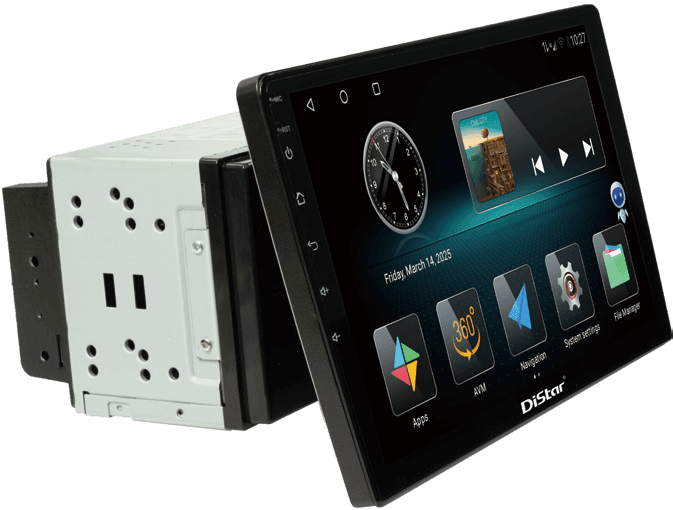
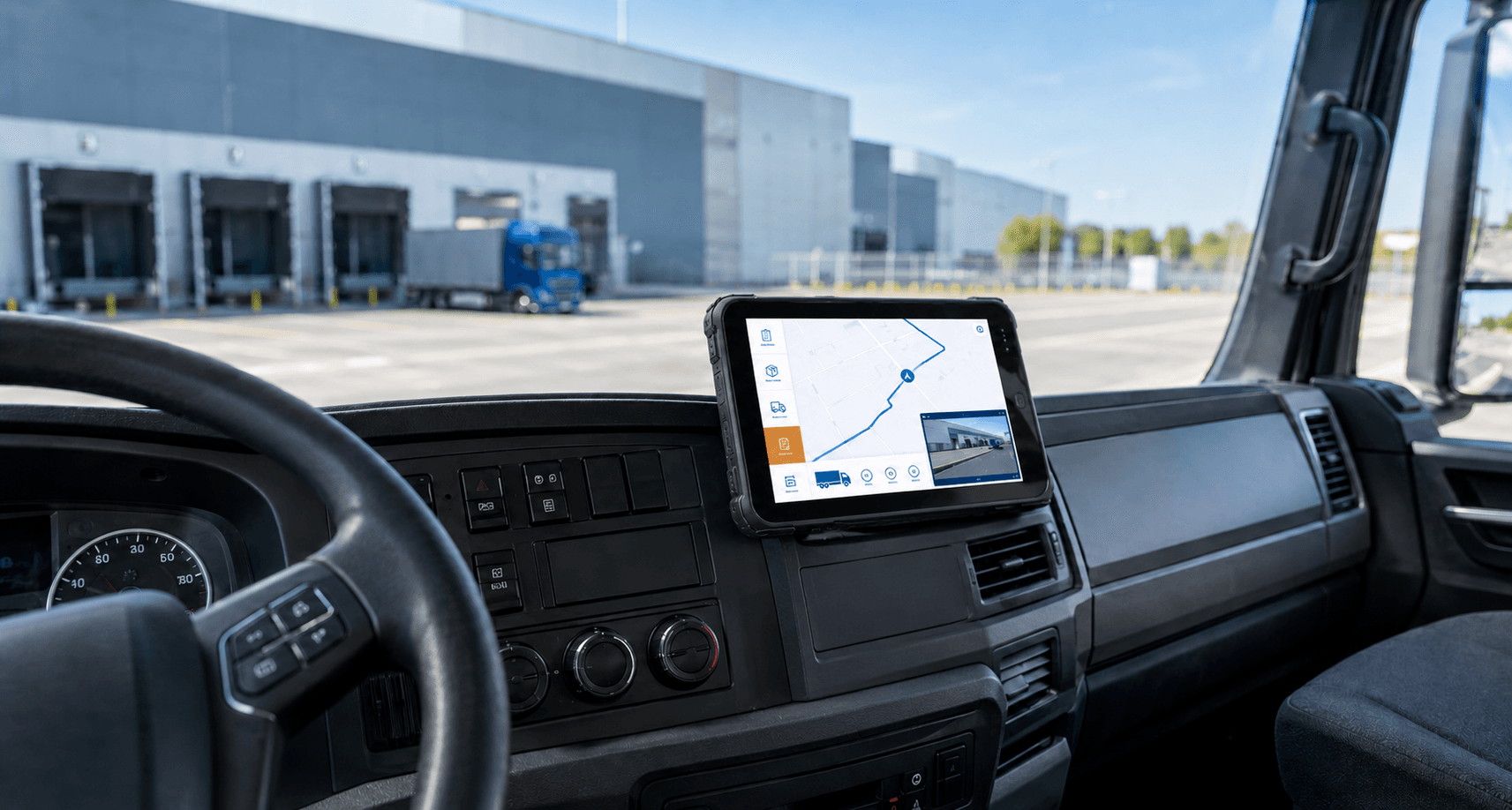
In-Vehicle Displays
Rugged display directions for driver information, camera video, vehicle status, and operating workflows.
- Cabin display and monitor projects
- Camera and video input review
- Mounting and screen size discussion
02 / Connected operation
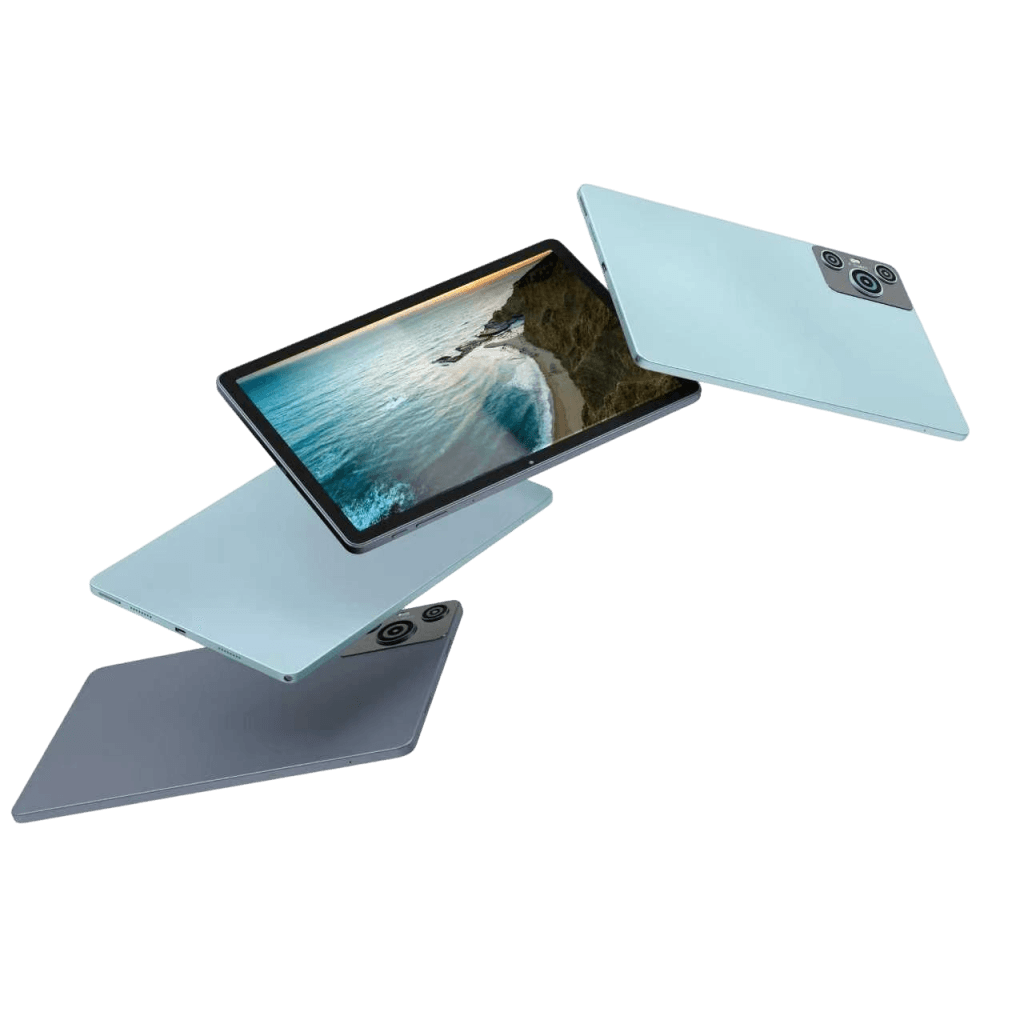
Vehicle Tablets
Tablet-based directions for connected vehicle applications, data access, and mobile fleet workflows.
- Rugged tablet application direction
- Driver workflow and data access review
- Connectivity and platform requirement discussion
03 / Configuration review
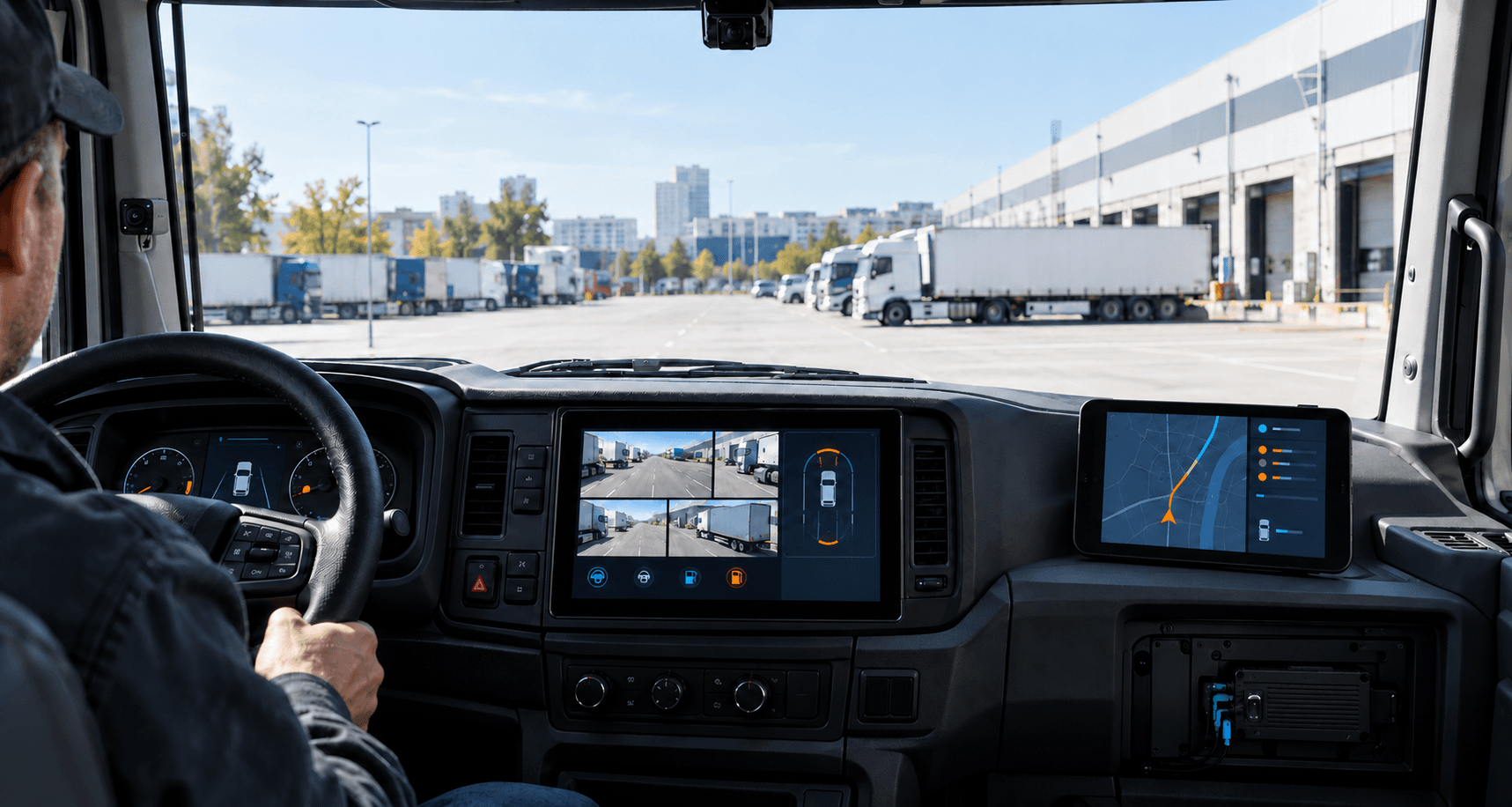
Project Integration
Match terminal hardware, display needs, camera inputs, and software scope around the project.
- Vehicle type and installation review
- Interface and accessory discussion
- OEM/ODM configuration planning
Project workflow
From cab installation to connected workflow
A smart terminal project usually starts with the vehicle cabin, then moves through display needs, device interface, software workflow, and deployment support.
Confirm vehicle type, mounting position, display size direction, and driver usage environment.
Review camera inputs, data interfaces, power, network, and accessory requirements.
Map navigation, video, fleet, dispatch, or inspection workflows to the terminal.
Confirm branding, software, documentation, packing, and after-sales requirements.
Feature map
Help buyers qualify fit before quotation
Use these as product direction blocks. Replace with confirmed specifications only after datasheets and project requirements are approved.
Application fit
Match the product family by vehicle scenario
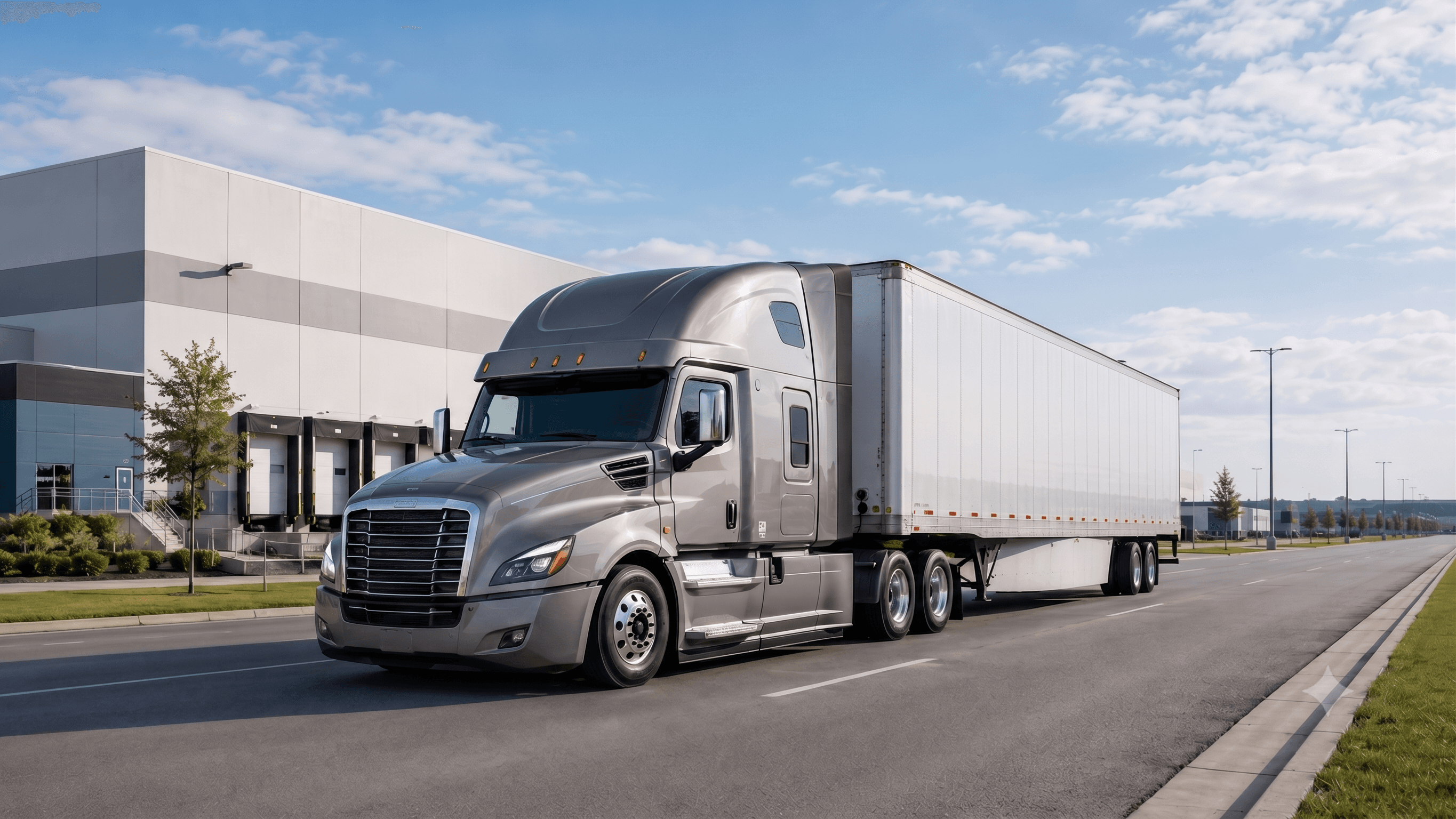
Commercial Fleets
Terminals and displays for driver workflows, video visibility, and connected operations.
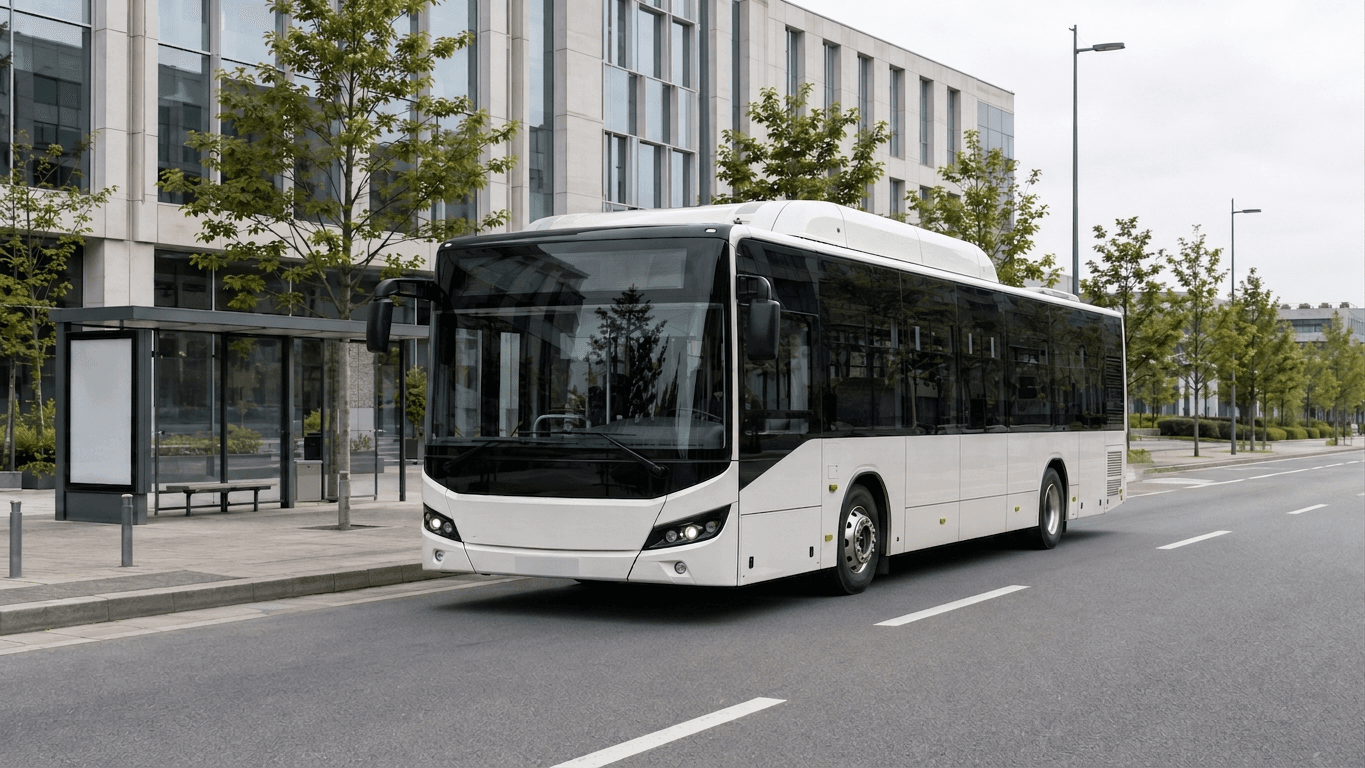
Bus & Coach
Display and tablet directions for passenger vehicle monitoring and operating information.
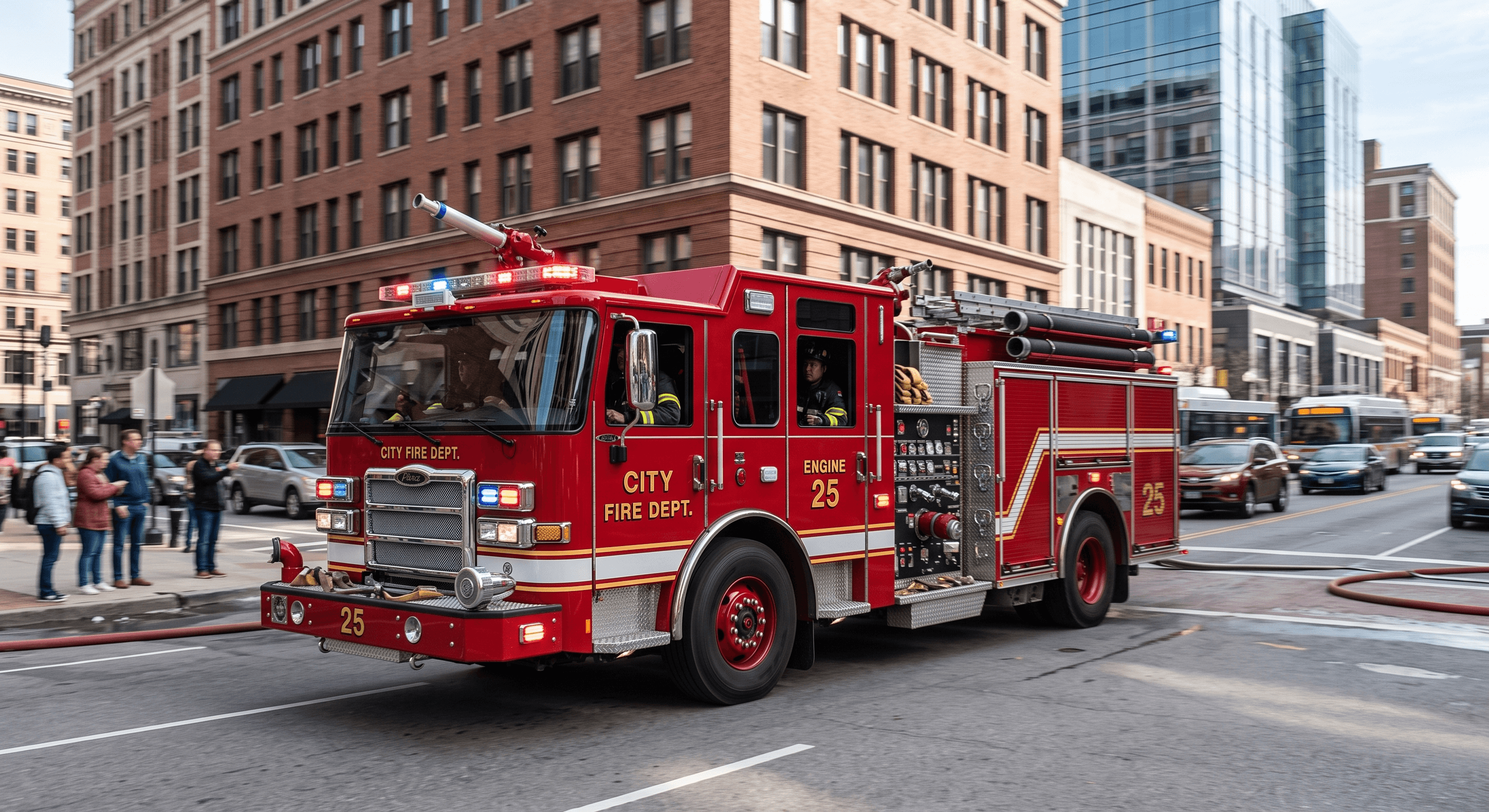
Special Vehicles
Rugged terminal review for emergency, construction, and special-purpose vehicle projects.
Selection FAQ
What information is needed before model selection?
Vehicle type, mounting position, screen size direction, camera inputs, interface needs, software workflow, branding, quantity range, and installation environment.
Can displays and tablets connect with cameras or MDVR?
They can be reviewed together. Final compatibility depends on camera inputs, recorder interfaces, display requirements, and software scope.
Are detailed specifications fixed on this page?
No. Screen size, OS, ports, certifications, MOQ, delivery, and warranty should be added only after confirmation from current product materials.
Request product guidance
Share the target vehicle, project direction, and integration needs. The team can review a suitable product configuration.